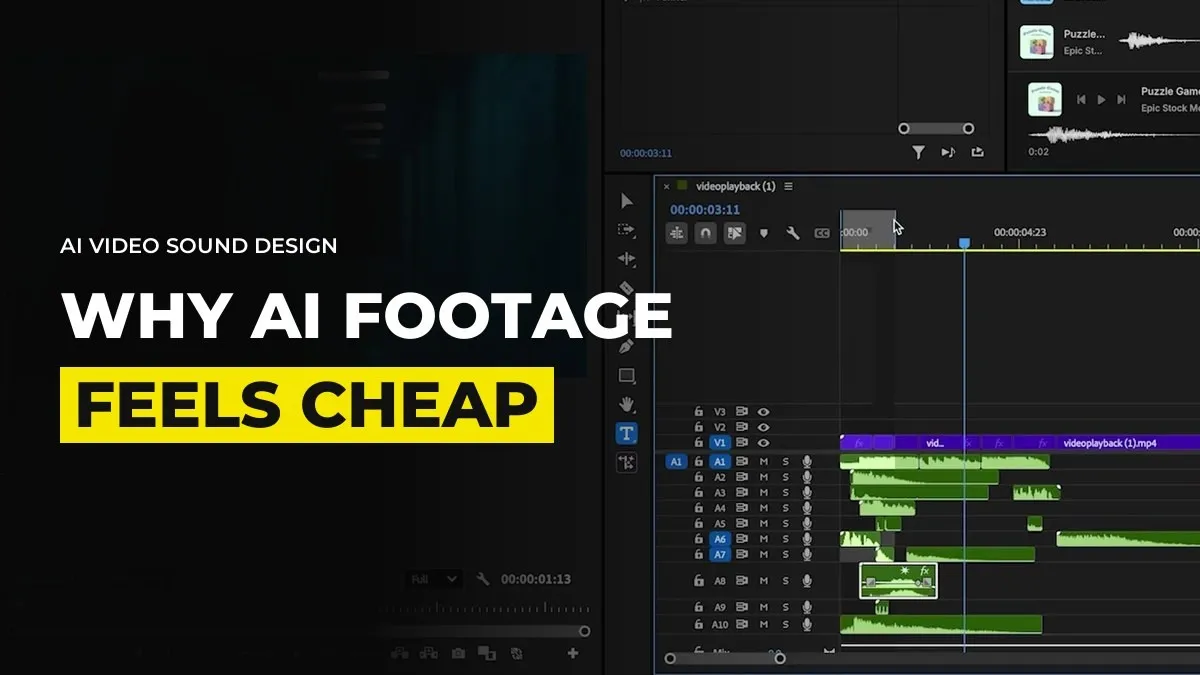
Why AI Footage Feels Cheap: Sound Gives It Away First
You might have a clip that looks beautiful and still feels cheap, and you cannot say why. Mute it. Then play it with the sound on. If the picture feels expensive on mute and cheap with sound, the sound is the problem, and it is the first thing a viewer reads as AI.
Sound is the most overlooked part of AI video. It is also the cheapest part to fix once you know what to look for.
Know the three sounds that give AI footage away
The same effects as everyone else. The water bubble, the footstep, the whoosh. Seedance produces sound effects well, but they come out similar from one video to the next, so people who watch a lot of AI video recognise them within a second. A generic walking sound that is louder than it should be and does not match the surface is a classic.
Music nobody asked for. In Seedance 2.0 you could write "no music" and mostly get none. In 2.5 the model often adds a cinematic bed anyway, even when you tell it not to. It sits across the whole clip and gets in the way of any dialogue.
Sound that does not match the picture. A boom on a house reveal in a quiet, slow piece. A walking sound that does not belong to the shoes on screen. The viewer may not know what is wrong, only that something is off.
When the sound is slightly off and the visuals are beautiful, it reads as cheap before any bad frame does.
Strip the sound the model made and build your own
This is the workflow we use:
Generate the clip and keep it for the picture and, if you want them, the voices.
Take the audio off in your edit. Note any effect you liked before you delete it.
Build a room tone for each location, because dead silence is a giveaway too. A forest, a desert, a hallway, a street. Layer it low under everything.
Add effects that belong to the objects on screen, one by one. Keys, fabric, a glass on a table, heels on stone.
Choose one music cue that matches the pace of the cuts. Fast music wants fast cuts, slow music wants long shots.
A complex mix of ten or twelve layers lifts the perceived value of a piece a lot, and nobody consciously hears most of them. For a high-end piece I would spend more time on the sound than on the picture.
Use a chatbot to break down the audio of an ad you admire
If you do not know what a premium ad should sound like, take one that does and have it analysed. Upload the video to ChatGPT, which handles video files well, and ask it to describe the sound design: which layers it hears, when they come in, how the music changes and where there is silence.
Ask it to turn that description into a prompt for a music generator, or into a list of sounds to find in a licensed library. Then rebuild those layers around your own footage. You are learning the structure of the sound and not copying the track.
The reverse works as well. Generate a short rough version of your own scene at 480p, upload it, and ask for a sound design that fits the environment and the pacing. Use the answer as a brief for your own mix. If you need the music itself, Suno v6 can make a track from a description of the space and the feeling, though the licensing questions around AI music are not settled, so read what the terms allow for paid work before you use it for a client.
Leave quiet places in the mix
Every moment does not need a sound. If a line of dialogue is the point, drop the music under it, sometimes to nothing, then bring it back. A silence before the last line does more than another layer of effects. The same applies to your edit as a whole. If the sound in a scene is weak, pull the volume down and deliver the final line clean.
For example, inside GenHQ we treat the audio pass as its own step after the edit, with a checklist, because it is the step most people skip. It is also why a client who says a piece looks "AI-ish" is often reacting to the sound, and not the picture.
Do a mute test and a sound-only test on your next cut
Watch your next piece twice. Once on mute, to judge the story and the shots. Once with your eyes closed, to judge the sound. If the second one is boring or familiar, the picture will not save it. And the one layer most people never think to add is the quiet one under the whole scene.
Common questions
Why does AI video sound fake?
Model-made effects are similar from video to video, and the model often adds music of its own. Viewers who watch a lot of AI video learn to recognise both.
How do I stop Seedance adding music?
Asking for no music does not always work in 2.5. The reliable fix is to take the audio off in your edit and build your own.
How do I make AI video sound more professional?
Add a room tone for each location, effects that match the objects on screen, one music cue that fits the pace of the cuts, and quiet moments around the lines that matter.
Can ChatGPT help with sound design for AI video?
Yes. Upload a reference ad or a rough render and ask it to describe the layers of sound, then use that as a brief for your music prompt and effects list.
Keep reading
Does AI Video Need Camera Shake? Why Steady Shots Read as AI
How to Get Real Emotion From AI Actors (Close-Ups and Reactions)
Want your sound checked by people doing this every week? Join GenHQ.