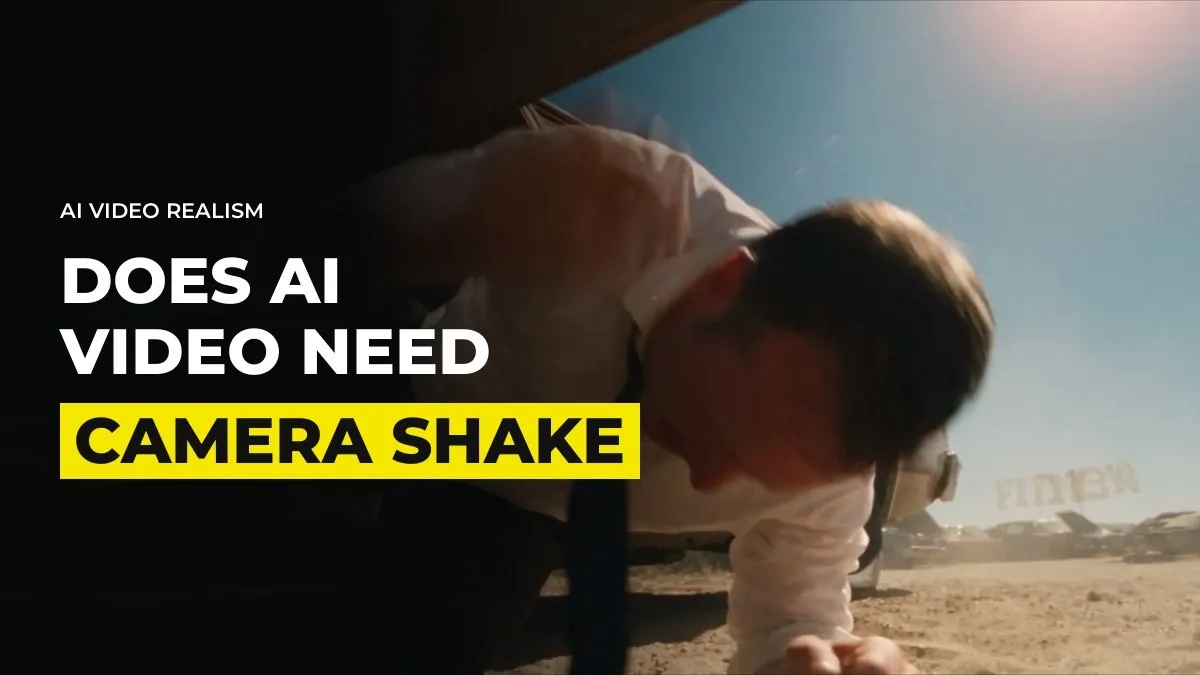
Does AI Video Need Camera Shake? Why Steady Shots Read as AI
If your AI shot looks wrong and you cannot say why, check whether the camera is perfectly steady. Real cameras are held by people, carried on rigs and pushed by wind. A shot with no movement at all is one of the quickest ways to make a viewer think "AI" before they have consciously looked at the picture.
The fix is quick, and you do it in the edit. I add it to nearly every shot that has action in it.
A perfectly steady shot reads as artificial
Video models give you a camera that floats. It moves exactly where the prompt says and nowhere else, with no wobble, no breathing and no tiny correction as an operator follows the action. We see it constantly in work people send us for review. A kid is running through a scene, the picture looks lovely, and the frame does not move at all. A hero is flying through the air and the shot is as calm as a product photo.
The viewer feels the mismatch. The action says speed and chaos, and the camera says tripod. Add shake and the same clip becomes a different shot.
Add the shake in the edit, not in the prompt
You can write "handheld, shaky camera" into a prompt. I do it in the edit instead, for three reasons:
You cannot control how much you get. The model hands you whatever it likes, and it may drop the shake halfway through the clip.
If the shake is wrong you have to pay for another generation to change it.
Shake has two separate settings, and a prompt cannot set them independently.
Those two settings are speed and motion. Speed is how fast the camera trembles. Motion is how far it travels in each direction. Most editors have a camera shake effect or preset with both controls. Fast and small feels like a nervous operator. Slow and large feels like a person walking with the camera. Fast and large feels like an explosion nearby.
For example, a boy sprinting through a street wants both turned up, because the runner is fast and the camera operator would be struggling to keep up. A shot of someone sitting at a table talking wants a small amount of slow motion, so the frame breathes. Even dialogue shots need some camera movement to feel natural, so we never leave a talking face completely locked.
Match the shake to what is happening in the shot
Ask what the camera operator would be doing if this were filmed for real. Then give the shake that job:
Running, fighting, flying or falling: high speed, large motion.
Walking beside a character: medium speed, small motion.
Talking, listening, reading a letter: low speed, very small motion.
A shock or an impact: a short burst of strong shake on the moment itself, then back to calm.
Test it the same way you test a grade. Raise the motion until you notice the shake, then pull it back a notch. If a viewer can name the effect, it is too much.
Keep the shake consistent across cuts
Shake is part of the scene, so it has to carry from shot to shot. A common mistake is a handheld chase followed by a clean, locked frame in the next scene. The viewer does not know what went wrong, but the world suddenly feels different, and that tells them these were made separately. When we review a cut, a shot that loses its shake after a shaky one gets flagged, along with a sound that stops and a location that changes for no reason.
It also helps to know when to stop adding it. If a clip already has strong movement from the camera move you asked for, such as an orbit or a push-in, you may only need a touch of shake on top. Stacking a heavy shake on a heavy move turns into mush.
Leave some shots still on purpose
Not every shot wants movement. We keep these locked or nearly locked:
A held close-up where something quiet is happening in the face.
A product hero shot that the brand wants clean.
The last shot of a piece, when you want the audience to sit with it.
The rule is that stillness has to be a choice. If a shot is still because nobody thought about it, it reads as AI. If it is still because the moment is heavy, it reads as direction, and the shaky shots around it make it land harder.
Shake is one layer, and the next layer is sound
Shake is the simplest fix on the list, but it is only one layer. A flying character with shake, a face with real expression, body movement and a proper sound design behind it starts to look like film. For example, inside GenHQ we go through the edit pass with members' own pieces every week, and a missing shake is usually the first note, because it is so quick to fix. Once the picture stops feeling floaty, the next thing viewers notice is the sound.
Common questions
Why does my AI video look too smooth?
Video models generate a camera with no natural error in it. No hand wobble, no breathing, no operator reacting to the action. Adding a small amount of shake in the edit puts that error back.
Should I put camera shake in the prompt or add it in editing?
Edit it. You can set speed and motion separately, change it without paying for another generation, and keep it consistent between shots.
How much camera shake is too much?
If you can name the effect when you watch the clip, it is too much. Raise it until you notice it, then reduce it a little. Fast action can take far more than a conversation.
Do all AI shots need camera shake?
No. Quiet close-ups, clean product shots and final frames often suit a locked frame. Choose stillness on purpose.
Keep reading
How to Get Real Emotion From AI Actors (Close-Ups and Reactions)
How to Make AI Video That Looks Real: The Method We Use (2026)
Want to learn this with people making and reviewing pieces every week? Join GenHQ.