How to Recreate a Viral Scene With Your Own Character
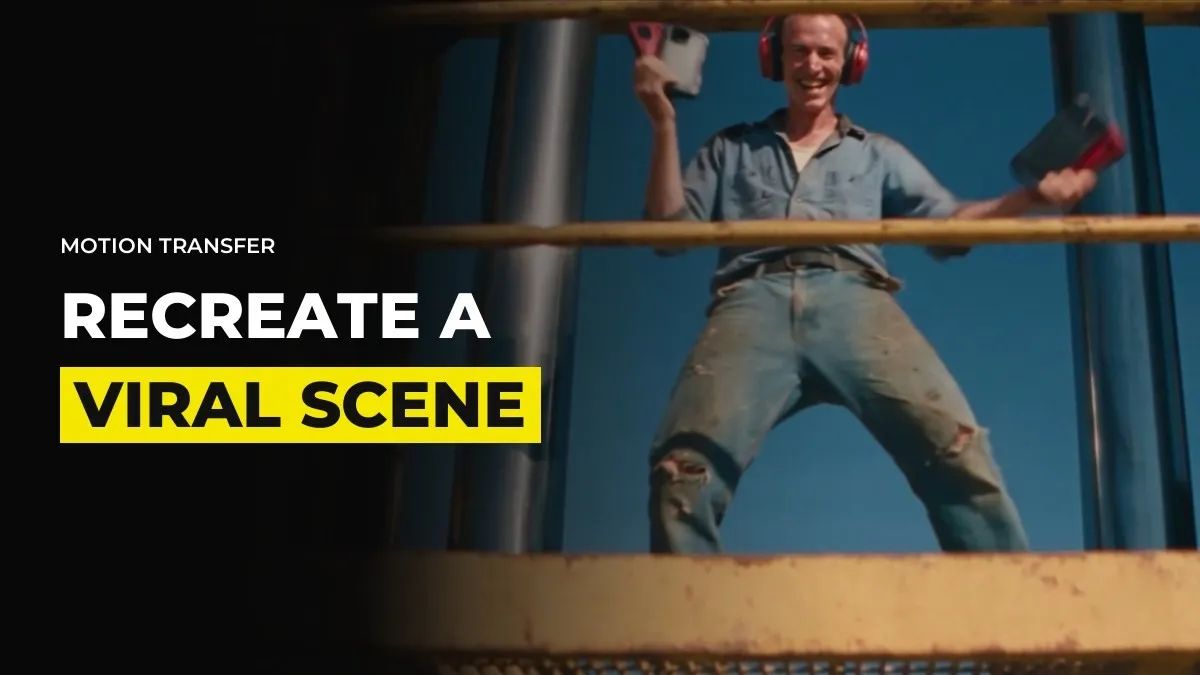
You might have seen a clip blow up and thought you could make your own version with your character, your location and your twist. You can. The method is called motion transfer, and the skill is knowing where inspiration ends and copying begins. As of October 2026, here is how to do it and where the line sits.
Motion transfer in one paragraph
You give the video model three things. A reference video that carries the movement and the camera. A character sheet for your own character. A location image for your own setting. The model keeps the motion from the clip and draws everything else from your references. In Seedance 2.5 you can do this directly. The motion tools inside some platforms, such as Higgsfield's, run on Seedance 2.5 underneath, so what they offer you can also do yourself.
Decide which part of the clip you are borrowing
A viral clip is made of several things: the idea, the camera move, the timing, the setting and the characters. Decide which one you are taking. A trend is usually an idea and a move, such as a slow push in while something unexpected happens behind the subject. That is fine to borrow. The faces, the costumes and the exact location are what make the clip someone's work.
Make your own character and place before you touch the clip
Build a character sheet from several angles and a location image before you touch the reference clip. Use GPT Image 2 for the sheet and Seedream 5 Pro or Midjourney for the place. If your character has nothing in common with the person in the viral video, you are already well away from copying. Our guide on consistent locations across shots helps with the second image.
Choose how the motion will travel into your scene
There are two routes.
Use the clip itself as the motion reference. This is the direct route. It works best on simple scenes, and the model may carry over more of the original look than you want.
Rebuild the motion in Blender. Upload the viral clip to ChatGPT Astra 6 or Claude Opus 5.5 connected to Blender, and ask it to recreate the scene as simply as possible, with no textures and no colour. Everything comes out grey. Use that grey clip as the motion reference.
We lean towards the Blender route. A grey scene has no faces, no costumes and no location, so nothing from the original can leak into your version. It also gives you control. If you want the camera to move differently, or a character to stand somewhere else, you change it in Blender before you generate. A simple animation also costs fewer credits than a complex one. Our guide to the Blender method for camera control shows the setup.
Pick one motion reference. If you give the model both the original clip and the Blender clip, it can get confused about which to follow. Choose the grey one and use your character sheets for the rest.
Generate small first and render the keeper later
Attach the motion reference, the character sheet and the location image, then write a prompt that describes your scene in your own words. Test at 480p. The performance does not change when you render at full quality, only the cost does. Use Draft mode (Preview on Dreamina) to check timing, knowing it drifts from your references, then render the keeper.
Where inspiration ends and copying begins
There is a fine line, and no rule decides it for you. This is how we think about it.
If you take one reference from one film or one viral video, your result will feel like a copy of it. If you pull from five sources, such as an ad, a film, a music video, a book and something you saw in real life, and then mix them, the result feels like your own. Taste is what makes the mix.
For example, take a clip where a man walks through falling rain. Swap the setting for another time period, change the character, make the rain arrows instead of water, and give the scene a different story. You kept the structure of the shot and changed everything a viewer would recognise. That is an original piece. Copy and paste of the footage, whether with images, video or music, is not.
The same logic applies to anything that comes from a generator. The tools combine patterns from many sources, so what separates your piece from the rest is how many of your own decisions are in it.
Do not use protected characters or real faces
We avoid recreating anything with a copyrighted character or a real celebrity's face, such as a famous TV show or a superhero. Platforms flag these, and posting them can get your video removed or your account flagged. It usually does not happen, but if the account matters to you, the risk is not worth it. Fully original characters also pass the platform filters with far less friction.
If a generation keeps getting blocked, find the cause cheaply. Remove the prompt, keep the images and generate five seconds at 480p. If that is blocked, an image is the problem. If it passes, the prompt is.
Keep your character ready so you can move when a trend starts
Trends move quickly. If your character sheet and location image are ready, a new move only needs a motion reference and an afternoon. A character people recognise across several trends is also what turns a one-off hit into an audience.
For example, inside GenHQ members share their trend recreations and get named feedback on whether they have crossed the line from inspired to copied.
Common questions
How do I recreate a viral AI video with my own character?
Make a character sheet and a location image of your own, then use the viral clip, or a grey Blender rebuild of it, as a motion reference in Seedance 2.5. Write the prompt for your own scene.
Is it legal to recreate a viral video with AI?
Taking an idea or a camera move is how trends work. Copying footage, protected characters or a real person's face is where trouble starts.
What is motion transfer?
It is a way of using a reference video to carry the movement and camera into a new video that has your own character and location.
Why does my recreation keep getting blocked?
The reference may contain a face or a protected character. Test the images alone and the prompt alone at 480p to find which one trips the filter.
Keep reading
Want to learn this with people doing it every week? Join GenHQ.