How to Make an AI Lookbook for a Fashion Brand
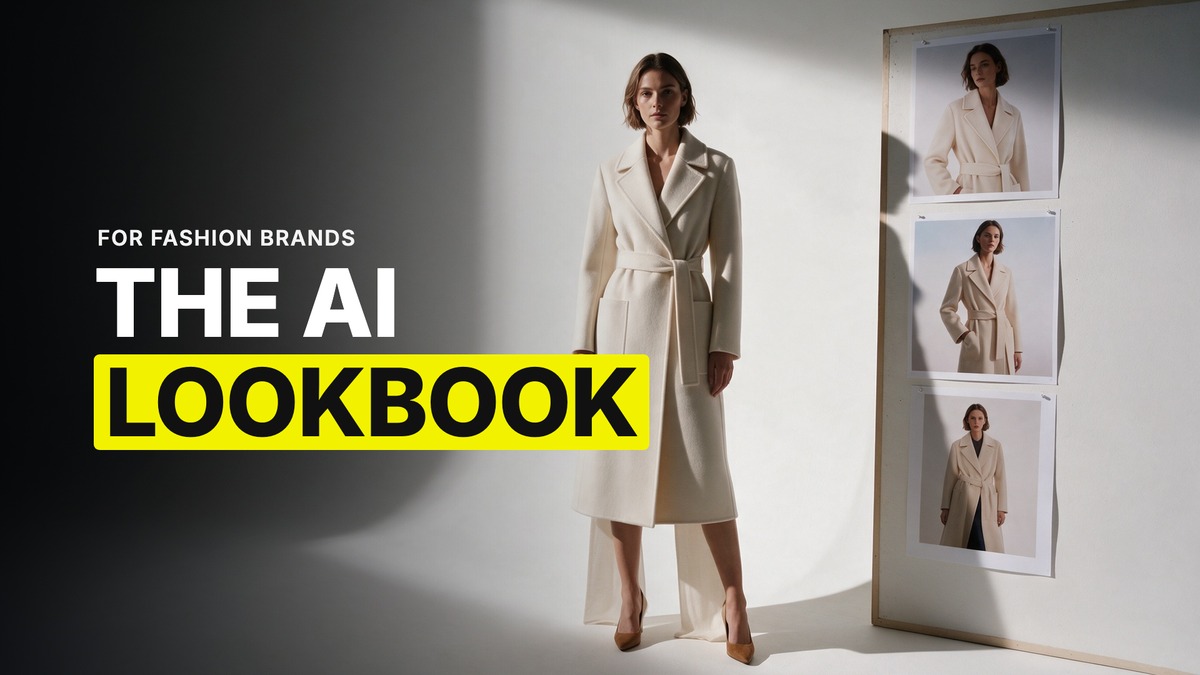
A lookbook is not a set of pretty pictures. It is one model, in one set of garments, under one light, held across twelve to twenty looks that a brand can put next to each other and believe they came from the same shoot. That is the whole brief, and it is harder than a single hero image because every look has to survive being seen next to the others.
I want to be straight with you before I go further. This is a newer lane for us at GenHQ and the evidence behind it is thinner than what I have for video or character work. Some of what follows is settled method from our team. Some of it is judgement. I will tell you which is which as I go.
The base sheet is the whole lookbook
Everything downstream depends on one true sheet of your model, built once and never regenerated. I settled on GPT Image 2 for this from a single well lit face reference, because it holds likeness across angles better than anything else I have tested. If the job wants a more cinematic, editorial finish with realistic skin rather than a flat catalogue look, Seedream 5 is the better sheet builder, and it is the one to reach for when the client wants the lookbook to read like it was shot on film rather than lit for a product page.
Pick one and build the full sheet from it once. Front, side, back, a close crop on the face. That sheet is your model for every look in the project. You are not regenerating a new face for look four and hoping it matches look one.
One sheet per physical state, if the shoot needs it
If the collection spans conditions the model's skin or hair actually changes under, wet hair for a swim line, a visibly different lighting temperature for an evening look, build a separate sheet for that state rather than trying to talk one sheet into covering both. This is the same rule our team uses for AI influencer work, where a sweaty state and a dry state need their own reference. A lookbook with a beach chapter and an evening chapter is the same problem in a different outfit.
Restyle on top of the base, never regenerate the model
Here is the part that actually holds a lookbook together across twenty looks. You do not make a new model for every garment. You take the one true base sheet and put each new garment on top of it with a simple restyling prompt, the same way you would change an outfit on a real model between setups rather than recasting the whole shoot. The face, the proportions, the skin stay locked to the sheet. Only the clothing changes. This is the method that keeps a face from drifting a little more with every look, which is the single fastest way a lookbook stops looking like one project.
The garment needs its own sheet too
Clothing drifts the same way products do. A jacket that reads correctly close up turns to soup at a distance, and a print or a woven label can shift between looks if the model only ever sees it once. Build a reference sheet for anything with detail worth protecting, the same object sheet discipline we use for a product on a can or a bottle, just applied to a garment: the piece flat, from a couple of angles, with the fabric and any hardware called out. For anything with on garment text, a logo, a size tag, a printed slogan, keep that text large and close in at least one reference shot, because small text renders worse the further it sits from camera and the model will happily invent letters if it cannot read the ones you gave it.
Scale is the other place fashion work breaks that people do not expect. A bag or a shoe can come out the wrong size relative to the body if the model has nothing to measure it against. If proportion actually matters for the piece, note the scale in words and, where you can, put the item near something the model already understands the size of.
Locking one light across every look
This is judgement rather than something our team has fully tested end to end, so take it as a strong opinion rather than a settled workflow. Treat the light the way we treat a location reference for video: find or build one lighting setup you actually want, generate the first look inside it, and carry that same lit reference into every look that follows rather than describing the lighting fresh each time. A lookbook where every third image has slightly different shadows and colour temperature reads as stitched together even when the model and clothes are perfect.
What the client actually receives
A finished lookbook delivery is the base sheet, the garment sheets, and the finished set of looks, twelve to twenty images, all under the one light, all the same model, ready to drop into a lookbook layout or cut down individually for social. Some brands also want a handful of the looks reformatted for a square or vertical crop for their own posting, which is worth asking about up front rather than after delivery, since a tight editorial composition does not always survive being recropped.
Where the clients actually come from
I have watched this play out the same way more than once. A creator lands her first fashion client not by pitching a lookbook cold, but because she was already posting exactly this kind of hyper realistic image, made with her own AI avatar, before any brand reached out. The brand found the work first, and the work was the pitch. If you want this kind of job, post the standard you want to be hired to hit before you ever send a pitch.
Common questions
What AI model is best for a fashion lookbook?
There is no single answer. GPT Image 2 builds the most likeness faithful base sheet from a face reference. Seedream 5 gives a more cinematic, realistic skin finish if the brief wants editorial over catalogue. Most lookbook work uses both, one for the sheet and one for finish.
How many looks does a lookbook need?
Twelve to twenty is the range that reads as a real collection rather than a handful of test shots, though the exact count depends on what the brand is actually launching.
How do I stop the model's face from changing between looks?
Build one true base sheet and restyle the clothing on top of it for every look. Never regenerate the model from scratch for a new garment.
Can AI handle logos and text on clothing?
Sometimes, and it gets worse the further the text sits from camera. Keep branding large and close in at least one reference shot, and expect to check every look for garbled text before it goes to the client.
Want the full method and the community that runs it every week? Join GenHQ.
