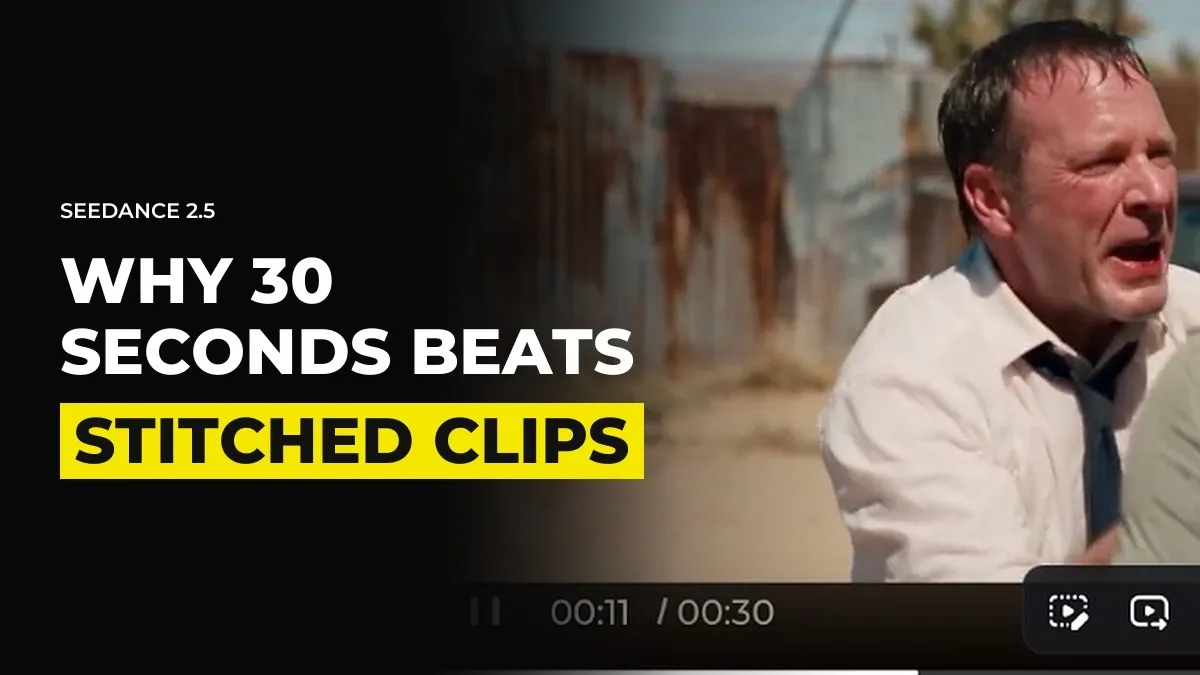
Why 30-Second AI Generations Beat Stitched 5-Second Clips
You might still be building scenes from five second clips, stitched end to end, and wondering why the light shifts, the jacket changes and the walk speeds up and slows down between cuts. The cause is the stitching. With Seedance 2.5 you can generate up to 30 seconds in one go, and a single generation holds the character, the light and the pace together in a way that five separate ones cannot.
This is how we plan scenes now, and where the old method still has a place.
Every new clip starts from nothing
When you generate with a prompt and image references, the model has no idea what happened in your last clip. It sees a location image, a character sheet and your words, and it makes its best guess. Each guess is a little different.
Stitch five of them and you get five small differences:
The light breaks differently in clip three.
The character stands a step to the left of where the last clip ended.
The fabric, the hair or the colour grade drifts.
The speed of movement resets every time, so a walk that was brisk becomes slow.
You can fix some of this in the edit. You cannot fix all of it, and the fixes cost hours that a longer generation would have saved.
One long generation keeps pace under your control
The pacing point surprised me. If you ask for six seconds and describe a single action, the model fills all six seconds with it, so a person crosses a street slowly because it has to last. Give it 30 seconds and a sequence of actions, and the walk takes the time the story needs. They walk up, the light breaks, they knock, the door opens, and the generation ends on the cut.
You are directing a scene instead of collecting moments. Characters keep the same face, the same clothes and the same light for the whole stretch, because it is all one pass.
Plan the shot so it ends on a natural cut
A long generation only helps if you choose where it stops. Stopping in the middle of an action leaves you unable to continue. Plan the last beat before you write the prompt:
Write the whole sequence as a list of actions in order, as you would on a shot list.
Pick the moment a real editor would cut. A door opening, a look to something off screen, a hand letting go of an object.
End the generation there, with the character in a position you can cut away from.
Describe the audio in the same prompt, in detail, so the sound follows the action.
For example, instead of three separate clips of a woman approaching a house, knocking and looking surprised, write one 25 second generation that ends on her face as the door opens. The cut to the reaction shot is then yours to make.
The same thinking applies to locations. We cover how to keep a room the same from shot to shot in our guide to consistent locations across shots.
Test short, then regenerate the full length
Seedance 2.5 costs more per credit than 2.0, and a 30 second generation uses a lot of them. So test at 480p first. Check the blocking, the timing and whether the ending is a place you can cut from. When it works, regenerate at the quality you need. The Draft and Preview modes now offered on some platforms are a cheap way to check timing too, but they drift from your references, so judge the timing and not the look.
Not every character needs a full sheet for this. If a person is mostly stationary in the shot and never turns around, the 30 second clip itself may be all the reference you need.
Use Extend when a scene runs longer than 30 seconds
Extend still earns its place. When you upload the previous clip as a video reference and extend it, the model knows what happened before. It knows where the character stands, which way the light was falling and how they were moving. A fresh generation from a still image knows none of that.
So the order we use is this. Generate the longest single take you can. If the scene needs more, extend from the last good moment instead of starting a new clip. Only stitch separate generations when the cut is a real cut, such as a change of location, time or point of view.
Shots that depend on exact camera or blocking control are a different case, and some of those are worth building in Blender first. Most shots need no Blender at all, and the Blender method is there for when a prompt cannot place the camera.
For example, inside GenHQ we plan a whole scene as long takes first and then cut them, so the edit has performances to work with and not just fragments.
Check the next scene you plan for the hidden joins
Count how many times you would stitch two clips in the middle of an action. Each of those is a place where light, pace or position can break. Try to remove half of them, then watch which ones you still miss.
Common questions
How long can a Seedance 2.5 generation be?
Up to 30 seconds in one generation, at resolutions up to 1080p. It costs more per credit than Seedance 2.0, so test at low resolution first.
Is a 30 second AI video better than stitching clips?
For a continuous scene, yes. One generation keeps the character, light and pacing consistent, and stitched clips each start from a fresh guess.
How do you keep a character consistent between AI video clips?
Use one long generation where you can, a character sheet and a location image as references, and Extend with the previous clip when the scene continues.
What does Extend do in AI video?
It continues from a clip you upload, so the model knows what already happened, including where the character is and how the light looks.
Keep reading
Why Your AI Video Got Blocked, and How to Find the Cause in Two Tests
The Complete Seedance 2.5 Guide: Cinematic AI Video Step by Step
Want to learn this with people making scenes every week? Join GenHQ.