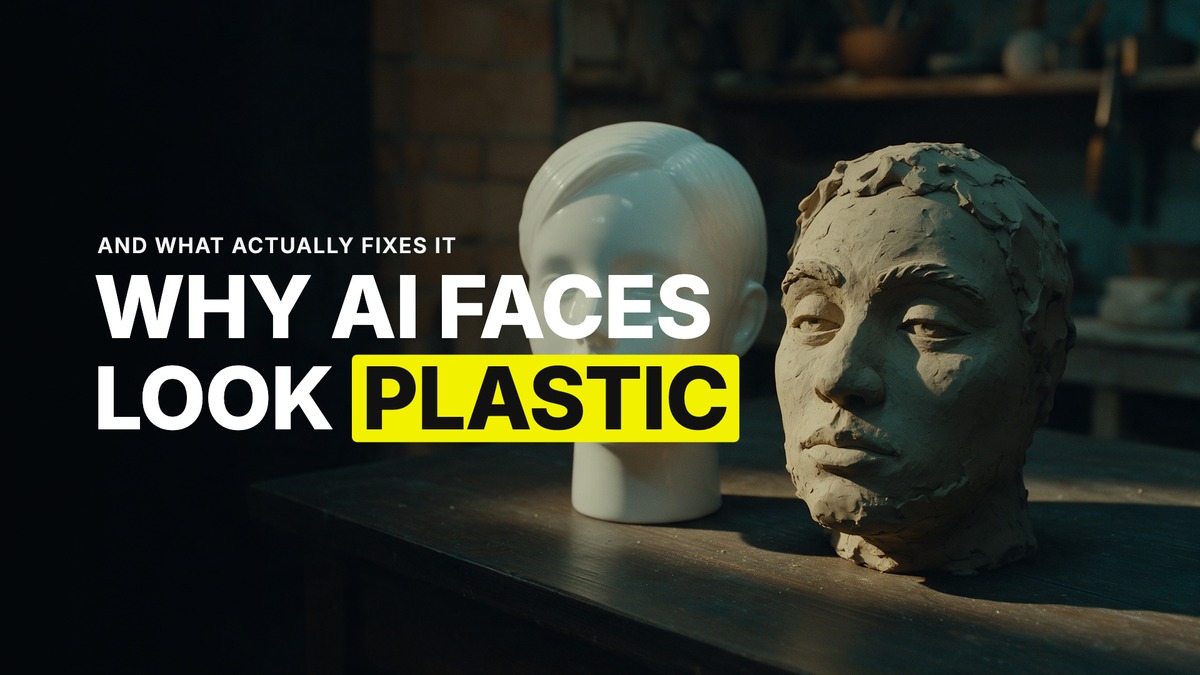
Why Your AI Characters Look Plastic (and What Actually Fixes It)
Plastic is the word I hear more than any other. A character looks too smooth, too even, or it morphs into someone else halfway through a shot even though you gave it a reference. The instinct is to regenerate and hope. Don't. Work out which of four places the plastic actually came from first, because the fix is different for each one.
The four places are the reference, the model, the prompt and the edit. Most people only ever check the last one.
A missing location reference is the most common cause
I trace nearly every "my character looks plastic or morphs" problem back to the same missing piece, a dedicated location reference. The location image is not decoration. It locks the grade, the mood and the lighting for the whole shot, and a character sheet on its own has nothing to sit inside. Reference the sheet in every single shot, but give the scene a location image too, because that is what tells the model how the light should actually fall on the skin.
I have watched this play out directly. A character came back "too plastic," then, once the same framework was applied without a proper location locked in, morphed into a completely different person from the one that was sent in. The character reference was fine. What was missing was the scene it was supposed to live in.
Your reference might already be the problem
Here is the principle I keep coming back to. A lot of the reference images people build already have the AI look baked into them before Seedance ever touches them, skin with zero texture, heavy cinematic lighting, a layer of haze, shallow depth of field on everything in frame. The video model does not invent that look. It faithfully carries forward whatever is in the reference you gave it.
So if your finished shot still looks plastic after you have fixed the location, look at the reference itself before you touch the prompt again. Less perfection at the reference stage usually beats more prompting at the generation stage. Put texture back into the skin. Use practical light sources instead of a studio-clean rim light. Give wardrobe some texture and a bit of clutter in the frame. Let light fall off naturally instead of glowing evenly across the whole face. If the reference already reads as a stock photo, the video will too.
Real person or not, imperfect teeth read human
A normal-looking character with perfectly even teeth reads as fake, especially the moment they open their mouth to talk. Feed imperfect teeth into the character sheet and the character reads as human. Skip that detail on a side character who never speaks in a 30 second commercial, it will not matter. Skip it on your hero who talks to camera, and it will.
As of August 2026, the model I reach for first when skin texture has to hold up is Seedream 5. It gives the most realistic skin of anything I have tested.
Don't judge a real-person likeness sheet by how it feels to you
If you are building a sheet of your own face, or someone you know personally, this is worth remembering before you throw the sheet out. Any real face you already know will always feel slightly off to you, because you are that familiar with it. That feeling is not a measurement of how consistent the output actually is. It is you, being the one person on earth qualified to notice a millimetre of difference. Judge it against what a stranger would notice, not against your own memory of the face.
Distance and face swaps are model-level, not fixable in the prompt
Two more specific failure points are worth knowing so you stop blaming your prompt for them. Nano Banana loses face detail at distance, full stop, which is why faces fall apart in medium and wide shots. For photoreal UGC self-imagery where the face has to hold up close and far, I use GPT Image 2 text-to-image with a face reference instead, because character consistency there stays highest.
And if you are tempted to face swap your character into a shot you already love rather than regenerating it fresh, know going in that a face swap into an existing shot is always lower quality than a fresh generation. It works, and sometimes it is the fastest fix on a deadline, but treat it as the compromise it is, not the first move.
Work the list before you spend another generation
Location reference locked in. Reference image itself free of baked-in AI polish. Imperfect teeth on anyone who talks. Right model for the skin and the distance. Face swap treated as a last resort. Run through that list before you burn another generation guessing, because plastic almost always traces back to one specific link in that chain, not to the model being bad at its job.
Common questions
Why does my AI character look plastic even with a good reference photo?
Usually a missing location reference. The location locks the grade, mood and lighting for the scene, without it the character has nothing consistent to sit inside. Check that before you touch the character sheet again.
Why do AI faces fall apart or blur in wide or medium shots?
Nano Banana loses face detail at distance. For UGC-style self-imagery that needs to hold up close and far, GPT Image 2 keeps character consistency highest as of August 2026.
Should I give my AI characters perfect teeth?
No. Perfect, even teeth read as fake the moment a character talks. Imperfect teeth on the character sheet read as human, and it matters most for any character who speaks to camera.
Is face swapping a character into an existing shot as good as generating fresh?
No, a face swap into a shot you already have is always lower quality than a fresh generation with the character properly referenced. Use it as a last resort, not a first move.
Want the full method and the community that runs it every week? Join GenHQ.
