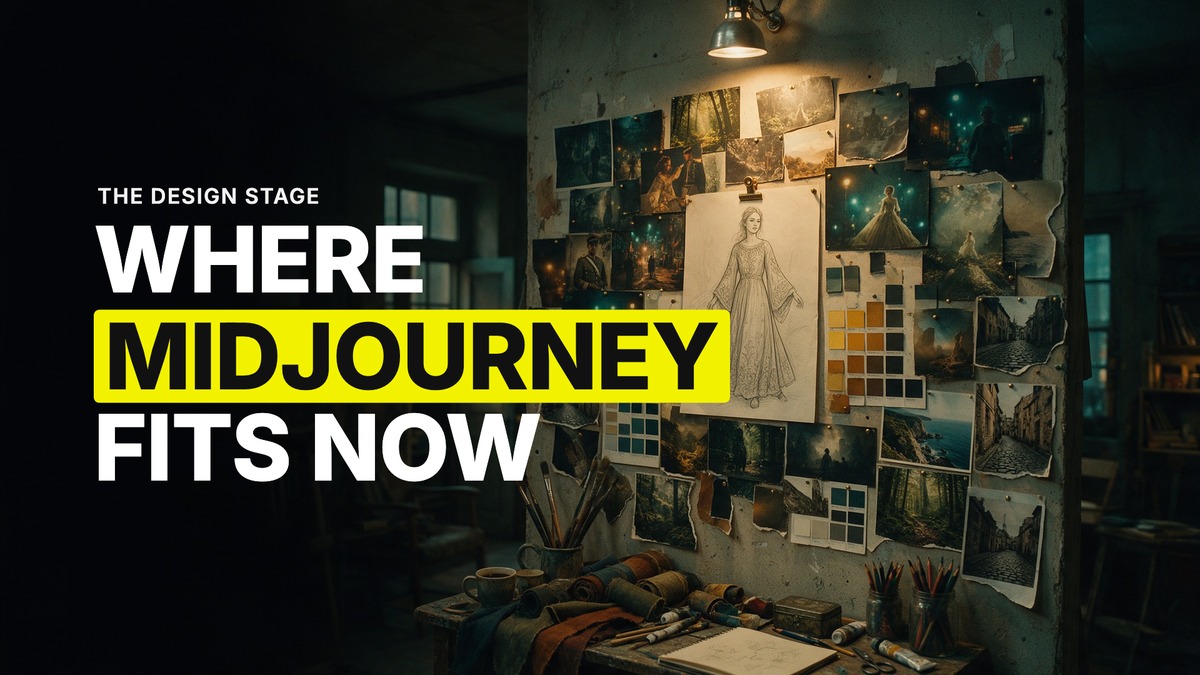
Where Midjourney Fits in an AI Video Pipeline in 2026
The question I get asked most about image models is this: with GPT Image 2 doing faces and text, and Seedream doing editing and spaces, what is Midjourney even for anymore? The answer has not changed shape in months, it has just gotten sharper. Midjourney is not where you build your character sheet or your object sheet. It is where you design, before any of that starts.
Midjourney is for design, not for the sheet stage
Fresh characters generated straight out of Nano Banana, GPT Image 2 or Seedream, with no design pass first, tend to feel generic. The fix is to design the base character in Midjourney first, where the model has more range and more unique output, then carry that design into GPT Image 2 to build the actual sheet. My process: rough out the character's look and feel in Midjourney, not worrying about the background Midjourney gives it, then bring that reference into GPT Image 2 to decide the outfit and build front, side and back views with the realism GPT Image 2 is better at holding. Midjourney sets what the character is. GPT Image 2 turns it into something Seedance can actually use.
My rule of thumb: any time you're building something that is imaginary, stylised, or not a real human face, Midjourney is the first model to reach for. Real, existing things, a house, a street, a car, don't need it. But invented worlds, non-human characters, anything you want to feel unique rather than default, is where Midjourney pulls ahead of every other option almost every time.
How the workflow actually runs, frame to prompt to platform
One of our recent AI filmmaking walkthroughs shows the mechanics in full. Start on ShotDeck, a reference library of film frames with the actual camera body, lens and colour grade data attached to each shot. Pull a frame whose lighting and composition you love, upload it to Claude, and ask Claude to write a Midjourney prompt that recreates that look, camera and lens included, because Claude will pull the technical language straight out of the ShotDeck data and translate it into terms Midjourney understands. Paste that prompt into Midjourney with the source frame loaded as both a style reference and an image prompt, and you get your own version of that look built from scratch rather than a copy of someone else's shot.
Midjourney's "attach to prompt" option is worth knowing specifically, because it behaves differently from a normal style or image reference. Where a style reference nudges the output toward a look, attaching the source image directly to the prompt pushes Midjourney toward a near-exact recreation of that frame's composition, not just its mood. Use it when you want to lock a shot down close to the original. Skip it when you want Midjourney to interpret more freely and give you something more your own.
The editing side is just as fluid. Inside Midjourney's own edit tool you can describe what you want changed, remove an element, add a foreground detail, and it rebuilds the image accordingly. It pulls from a much richer, wider dataset than a tool like Photoshop's generative fill, which is why a described edit in Midjourney tends to hold together better than the same edit attempted elsewhere.
Where Midjourney stays put
One detail worth knowing before you build a workflow around it: Midjourney only lives on Midjourney itself, as of September 2026. It is not available inside Higgsfield, not inside Magnific, not routed through any other platform. If you want it, you go to Midjourney directly, which also means it runs as its own separate subscription rather than folding into whatever credits you already have elsewhere.
The handoff, and why it matters
None of this replaces GPT Image 2 or Seedance, and it isn't meant to. The division of labour I keep coming back to: Midjourney designs the base, whether that's a character, a hero shot, or a location reference with a specific colour grade locked in. GPT Image 2 turns that design into a usable sheet, faces, text, object detail, the things it holds onto better than anything else. Seedance takes the finished references and animates them. Skip the Midjourney stage and you can still get a working video, it will just tend to look like everyone else's, because you're starting from the same generic default every other creator using the same models lands on.
Common questions
Is Midjourney still relevant now that GPT Image 2 and Seedream exist?
Yes, but for a different job. As of September 2026, Midjourney is where you design a unique base character or a location's look, not where you build the final character sheet or shoot the video. GPT Image 2 and Seedream pick up from there.
When should I use Midjourney instead of GPT Image 2 or Seedream?
For anything imaginary, stylised, or non-human, and for designing a hero look you want to feel unique rather than generic. For faces, on-product text, or editing an existing image, use GPT Image 2 or Seedream instead.
Can I use Midjourney inside Higgsfield or Magnific?
No. Midjourney is only available on Midjourney itself, so it runs as its own separate subscription outside your other platforms.
How do I get a specific film look into my Midjourney generations?
Pull a reference frame from a source like ShotDeck, which carries the camera, lens and grade data for the shot, and have Claude turn that data into a Midjourney prompt. Load the source frame as a style reference, or attach it directly to the prompt if you want a closer recreation of the original composition.
Want the full method and the community that runs it every week? Join GenHQ.
