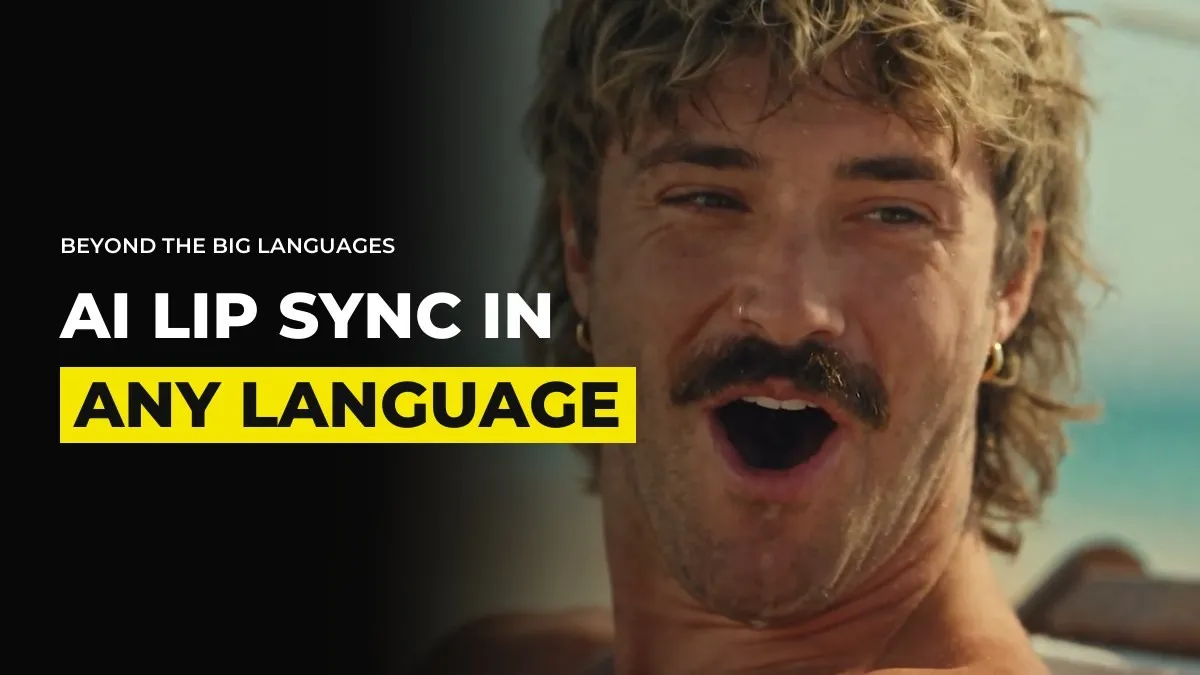
AI Lip Sync in Hebrew, Bulgarian and Other Small Languages
You might have clients in Bulgaria, a song in Hebrew or an audience in a language that no video model handles properly. You generate the shot, the character opens their mouth and what comes out sounds wrong, or looks wrong, or both. Dubbing tools make it worse, with a robotic voice and no lip sync at all.
Do not drop the market. There are three routes that work, and a way to test each one cheaply before you commit. This is as of October 2026, and the models improve quickly.
Know why it breaks in smaller languages
Video models learn lip movement from their training data. The best model overall is not necessarily the best in your language, because each model has gaps and a model can be strong in English, Spanish or German and weak in Hebrew or Bulgarian. Lip sync tools behave the same way. sync.so, which lip syncs a voice onto a video that already exists, is usually good in the big languages such as German. We have less evidence that it holds up in smaller ones, so test it before you promise a client anything.
That gives you a simple plan. Do not fight the model on its weakest ground. Decide where the voice comes from, then work out how the mouth will follow.
Route one: make the audio first and give it to Seedance
Generate the voice in a text to speech tool that does your language. ElevenLabs v4 is new and is the cheapest way to test. Then use that audio inside Seedance as a reference. There are two ways to do it:
Write the exact lines and get the voice delivering them the way you want. Lock the tone first, then tag the audio at the moments in the prompt where each character speaks.
Give Seedance a short voice sample of around eight seconds in your language as the voice reference, and let it work out the rest. This works with several characters and several voices.
Before you build anything on top, send a sample to someone who speaks the language. Ask one question: does this sound like a real person speaking it? If the answer is yes, you have a workflow. If the answer is no, move to route three.
Route two: film only the mouth and use it as a movement reference
This is the idea we are most curious about and have not proven. Record a short video of nothing but a mouth speaking the lines. No head, no background. Use it as a video reference for mouth movement only, with the audio attached, and ask for a medium or close-up shot of your character speaking.
Test it in the simplest form first, so that nothing else can muddy the result:
One reference video of the mouth. One short line. A plain prompt saying to follow the mouth movement of the reference.
Try a close-up first, then a medium shot. If it fails at a close-up, it will fail on a character climbing a wall.
Only when that works, put it into the real scene.
The whole point is to find out cheaply whether the model can do it at all, before you spend on a full shot or a full song.
Route three: pay a voice artist and match the performance
This is what many people do for their highest quality work. Generate the video in the language. The audio might sound terrible, but if the lips are moving about right, that is what you need. Send the clip to a native voice artist, who records the lines in the same energy and tone as the character. Then you replace the audio.
It also scales. Once you have a voice artist, you can produce a whole campaign of ads in that language with the same person. Ask the artist for a price per finished minute before you quote your client, because that number decides whether the job is worth taking.
Test in this order
A native speaker listens to the generated voice.
One short line, one close-up, with the audio reference.
The mouth-only reference, if the first test failed.
A voice artist, if neither works well enough for the client.
Each step costs less than the next, and you stop at the first one that passes. For example, inside GenHQ the weekly sessions are where niche problems like this get worked through, and what works for one language gets passed on to the next person. The related post on keeping a character's voice consistent covers how to hold the sound steady once you have it.
What none of these will tell you is whether your client's audience will accept a synthetic voice at all. Ask the client that question first.
Common questions
Can Seedance lip sync in Hebrew or Bulgarian?
It handles some languages much more reliably than others. In smaller languages, generate the audio first and test it with a native speaker, or use a native voice artist.
What is sync.so used for?
It lip syncs an audio file onto a video that has already been created. It tends to work well in the big languages, so test it carefully in smaller ones.
How do I dub an AI video into another language?
Make the audio in a text to speech tool or with a voice artist, then either give it to the video model as an audio reference or lip sync it onto the finished clip.
Is it worth using a voice artist for AI video?
For high quality work in smaller languages, yes. The video can be generated once and the voice artist records over it, which keeps the cost per ad low once the process is set.
Keep reading
Will AI Actors Replace Real Actors? The 2026 SAG-AFTRA Rules Explained
How to Make an AI Micro-Drama: A Vertical Series Step by Step
Want to learn this with people solving these problems every week? Join GenHQ.