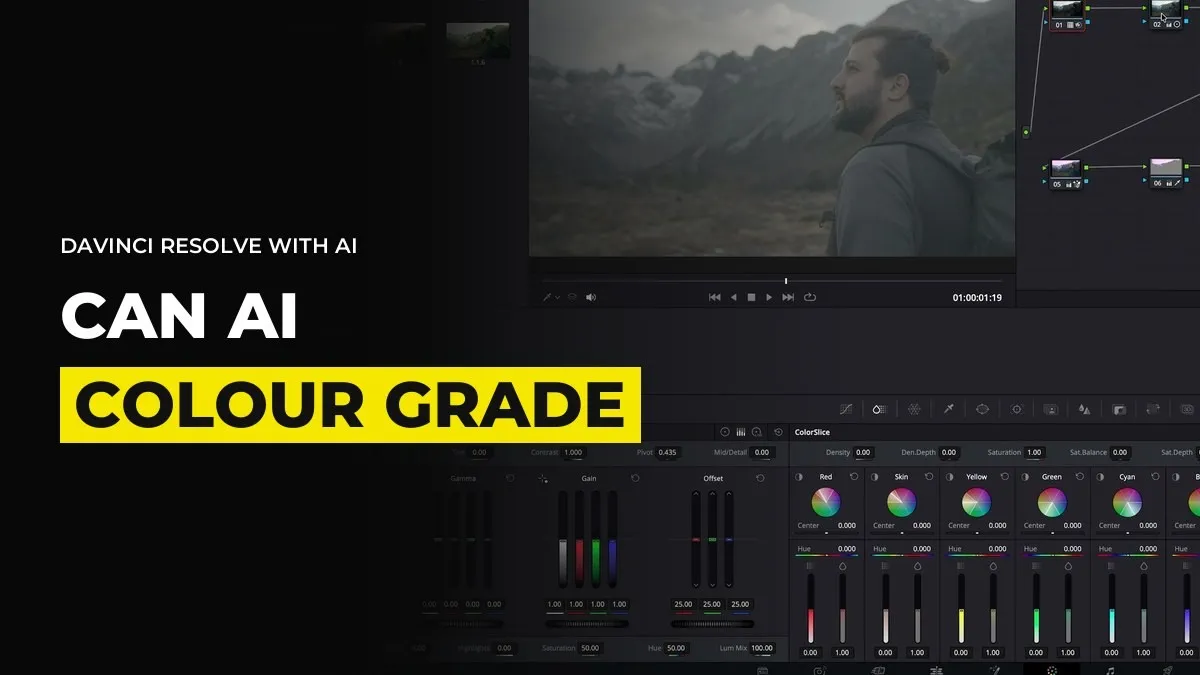
Can AI Colour Grade in DaVinci Resolve? What Works and What Crashes
You might be looking at a clip that comes out of your AI video model flat and a bit pale, wondering whether you can hand the grade to an AI agent. You can. ChatGPT Astra 6 will open DaVinci Resolve, build the nodes and even track a face. It also takes between 30 and 60 minutes and Resolve crashes while it works. Here is what happened when we tested it, as of October 2026, and when a LUT and your own eye are still the better choice.
What the agent actually does inside Resolve
You give it a clip on the timeline and a goal. The goal can be a mood in words, or an image of a grade you like. It then works through the Resolve scripting console first and makes manual adjustments in the nodes after that.
What we saw:
- A tidy node tree, labelled in the way you would organise your own notes.
- A first grade that moves washed out footage toward the reference.
- Masks on specific things, such as a face, an arm, the background or a bank of lights.
- Tracking, so a masked face keeps its own grade while the environment gets a different one.
The face tracking is the part that surprised us. Grading skin separately from the room used to mean building and tracking the mask by hand. Here it came back done.
A grade takes 30 to 60 minutes, so run it in the background
A simple grade does not take long. Masking and tracking do. Our reference match ran to about 30 minutes with a restart in the middle, and the version with a tracked face ran for about an hour with a couple of tweaks. The first attempt on anything involved can take an hour or longer.
That speed only makes sense if you are not waiting for it. Start the job, go and do something else, and look in every ten minutes. If you have a second computer, run the grade there while you work on the first. You are buying time, not a shorter wait.
Expect it to crash and save constantly
Colour grading is heavy for the machine. In our testing Resolve crashed about three times. When it crashes, you reopen it and tell the agent to carry on, and it spends a couple of minutes rechecking everything before it continues. Every crash adds those minutes.
We also had one run where the connection between Resolve and Astra silently failed. Twenty two minutes went by and nothing had been built. Closing both programs and reopening them fixed it, and nodes appeared within a minute. So if nothing visible has happened after five minutes, do not wait for it. Restart.
The habits that protect you:
- Save the project before you start and keep saving as the nodes appear.
- Keep a copy of the ungraded clip on its own timeline.
- Check the node tree after ten minutes to confirm there is real work in it.
- Use the highest effort setting for complex grades if your plan allows it. High is enough for most other jobs.
Do the last 10 percent yourself
Do not expect a perfect grade on the first try. It often needs two or three rounds. The quickest route is to let the agent get the grade about 90 percent of the way there and then open the nodes and change the rest with your own hands. Tweaking a node is much quicker than describing the tweak, and it costs no usage.
The finished node tree is also a template. Once it exists you can reuse it on the next clip from the same scene, adjust a few values and be done. This is where the hour pays you back, if you have a run of shots that share a look.
When a LUT and your own eye are quicker
If you already know how to grade, you will finish a single clip faster by hand. That was our honest result. It was a good grade and a useful one, and we could have made it quicker ourselves.
Use the agent when:
- You have many shots that should share one look and you can run it while you do something else.
- You need face or object masks and tracking and you do not want to build them by hand.
- You have a reference image and want a close first pass to refine.
Use a LUT and your own eye when you have one clip, a tight deadline or a grade you can already picture. Starting from a LUT on a single AI clip takes minutes, and no crash can cost you the hour.
For example, inside GenHQ the grade we show is built on a reference image the same way, and the manual finishing is part of the lesson.
The related job is motion graphics, which is much kinder to the machine. We cover it in how to make motion graphics in After Effects with ChatGPT.
Common questions
Can AI colour grade in DaVinci Resolve?
Yes. ChatGPT Astra 6, connected through the desktop app, builds node trees, matches a reference image and can mask and track a face. Expect a first attempt to take 30 to 60 minutes.
Does DaVinci Resolve crash when an AI agent controls it?
In our testing it crashed about three times. Save often. After a crash the agent rechecks its work for a couple of minutes before it continues.
Is it quicker than grading by hand?
Not for one clip if you know how to grade. It can be quicker across many shots because it runs while you do other work, and the node tree it leaves is reusable.
Do I need to know how to grade?
It helps a lot. You need to see what is wrong and finish the last 10 percent by hand.
Want to learn this with people grading AI footage every week? Join GenHQ.
